How It Works
A two-minute look at setting up a session.
This is the actual app — no staged demo, just the flow you'll use the first time you open FocusShield.
Step by step
What's happening in the video
01
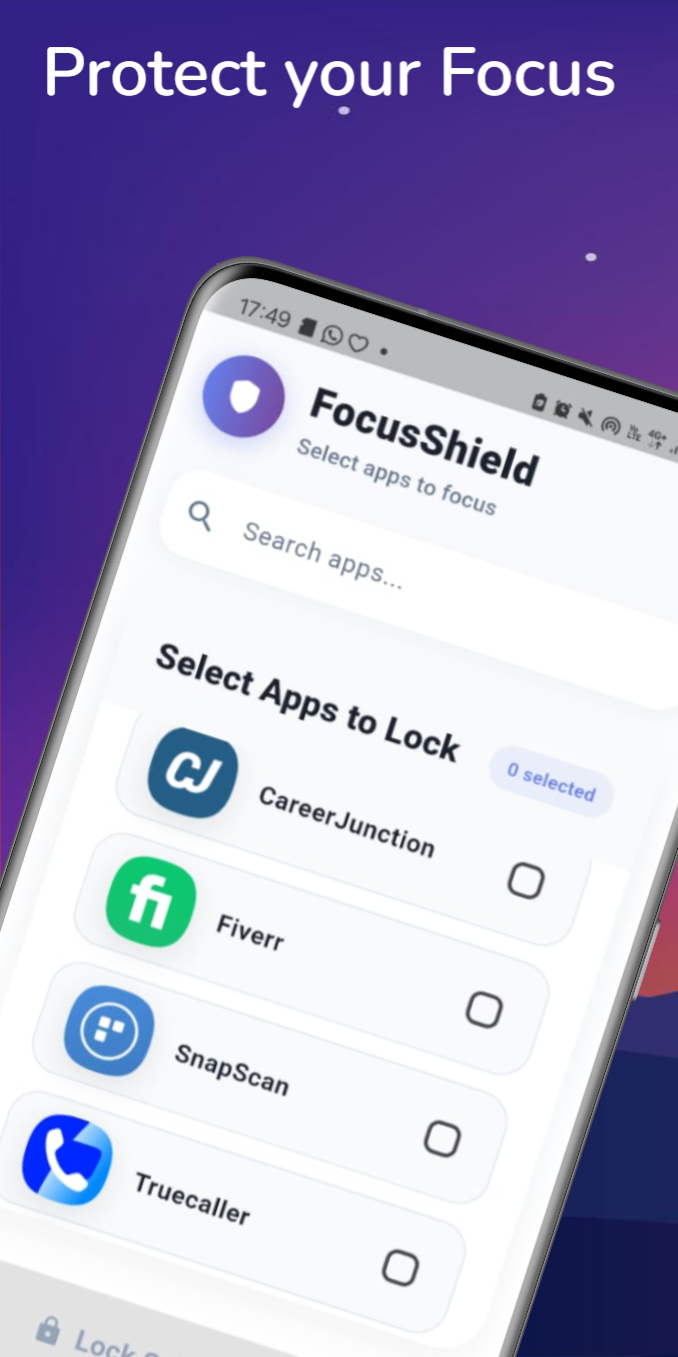
Search installed apps and select the ones to lock.
02
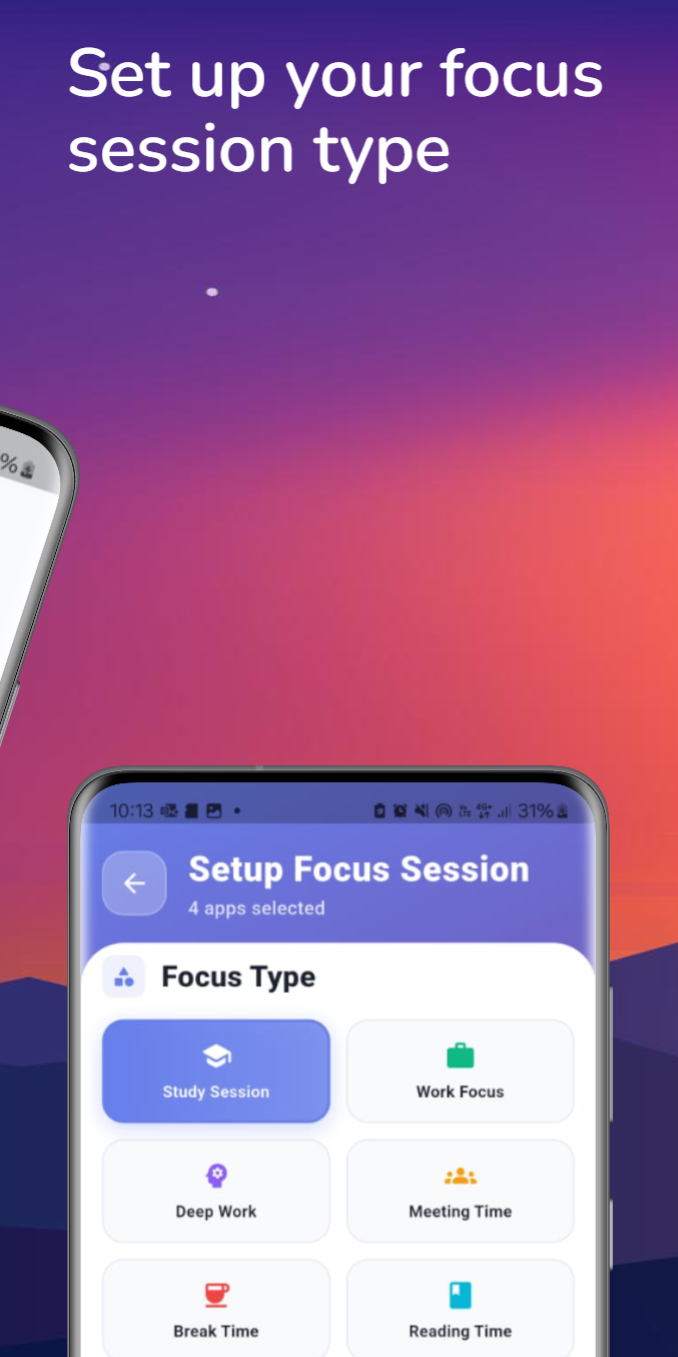
Pick a session type: Study, Work, Deep Work, Meeting, Break, or Reading.
03
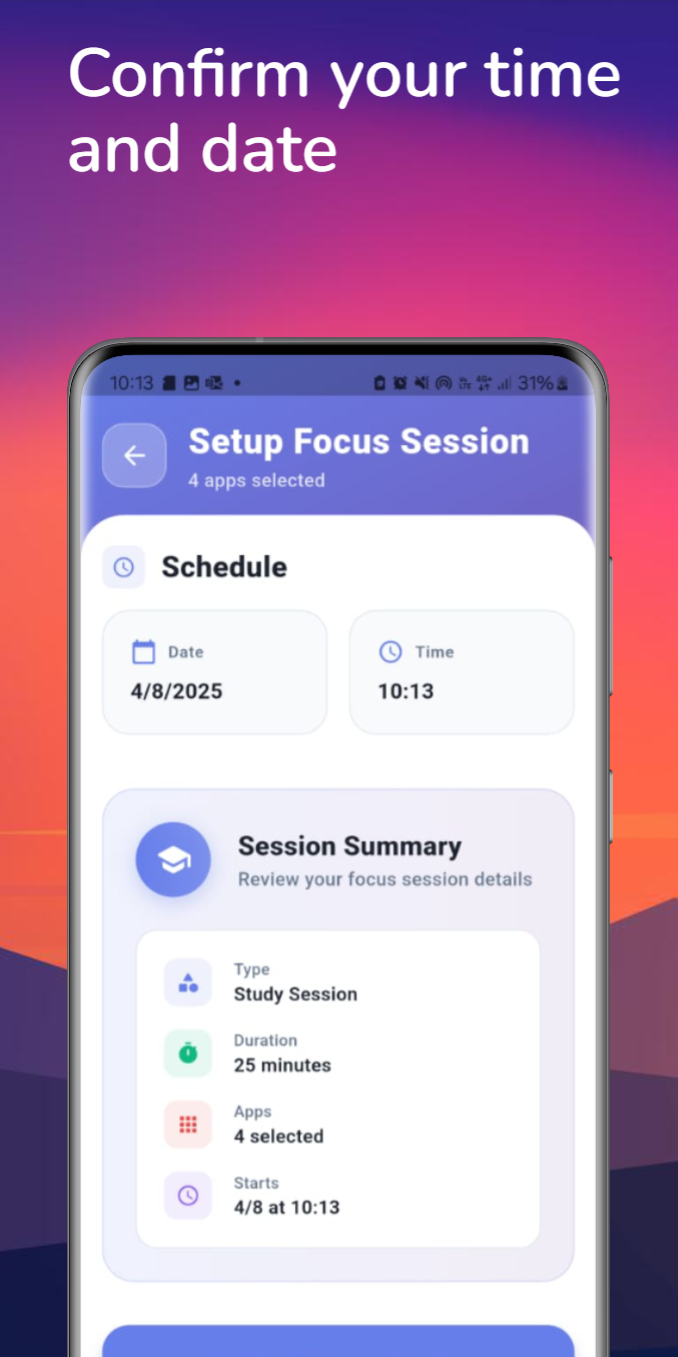
Set the date and time. The session summary shows exactly what will happen.
04
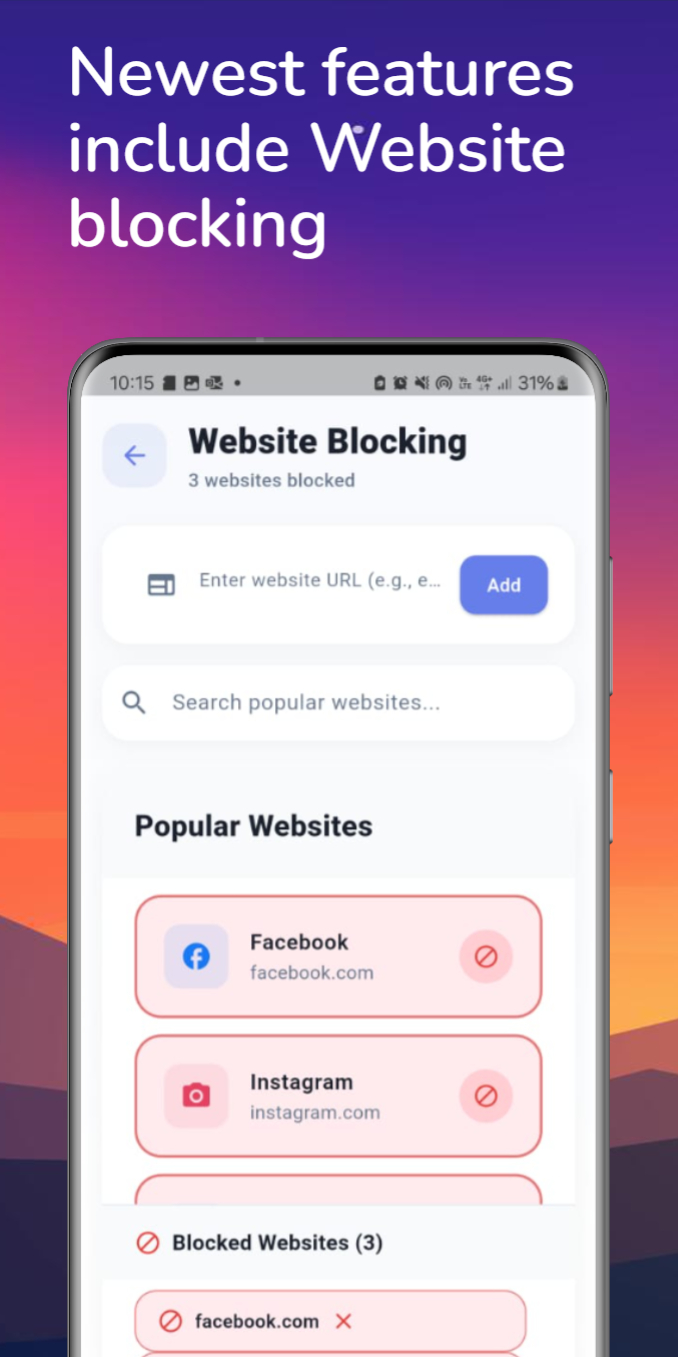
Add websites to block by URL, or from a list of common distractions.
05
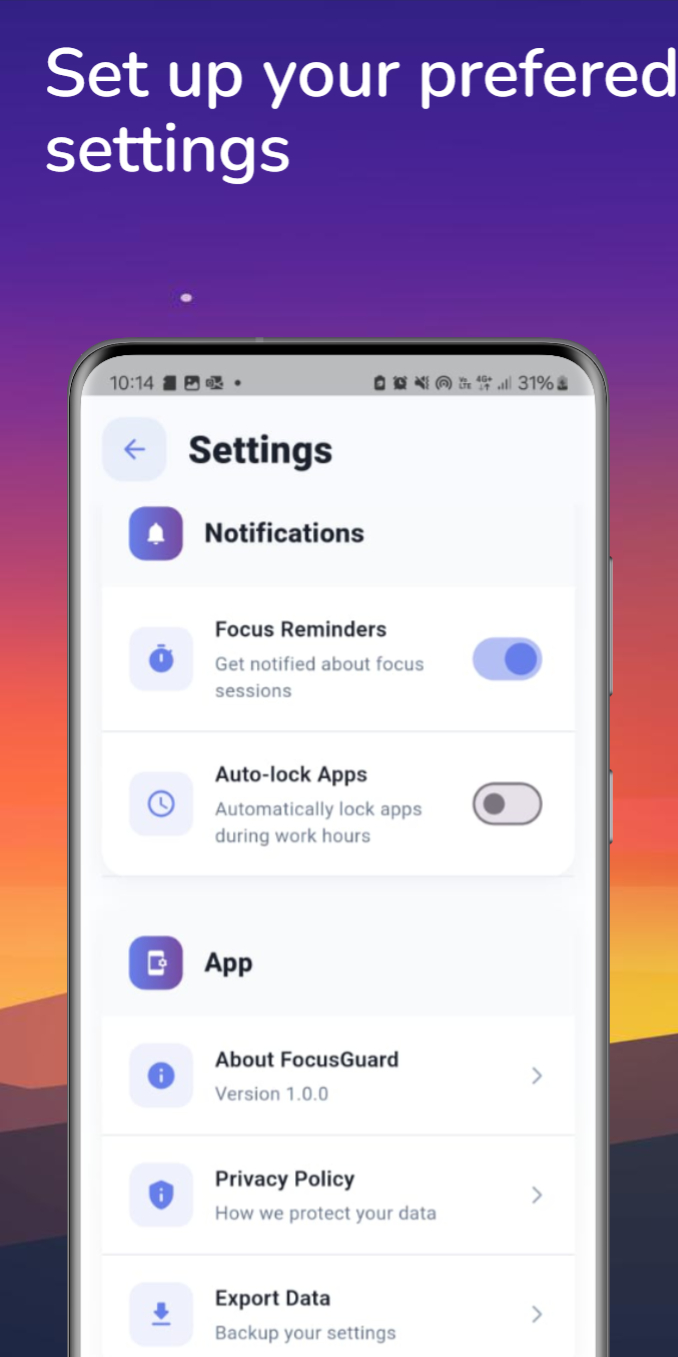
Adjust reminders and auto-lock behavior to match how you work.
Ready to run your first session?
It takes less time to set up than it took to watch the video.
Get FocusShield